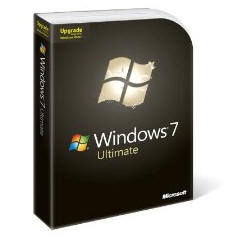
EFFECTED: Windows 7 Ultimate, Windows 7 Professional, Windows 7 Home Premium, Windows 7 Enterprise when upgrading from Vista or lesser versions of 7
CAUSE : This happens because the install files, your Windows 7 DVD or your USB key containing the install files is corrupted and cannot be read by Windows.
FIX : Use a different Windows 7 DVD or medium that & install files are on to install Windows from. Re-download install files if this is how you got them.
COMPLICATIONS : Faulty memory can cause reading errors (Run memory diagnostics from 7 Install disk), also a faulty (Or incompatible (Upgrade firmware)) DVD drive (Try using a different drive, or test by running a backup of it onto a blank DVD disk), or a BIOS that does not support 7 (You may need a BIOS upgrade, contact motherboard manufacturer or PC creator for updates).